How to replace meetings with async video
Half your meetings could be a three-minute video. Here's which ones to replace, how to record one that actually lands, and where to keep it all without losing control.
Screenvod ·
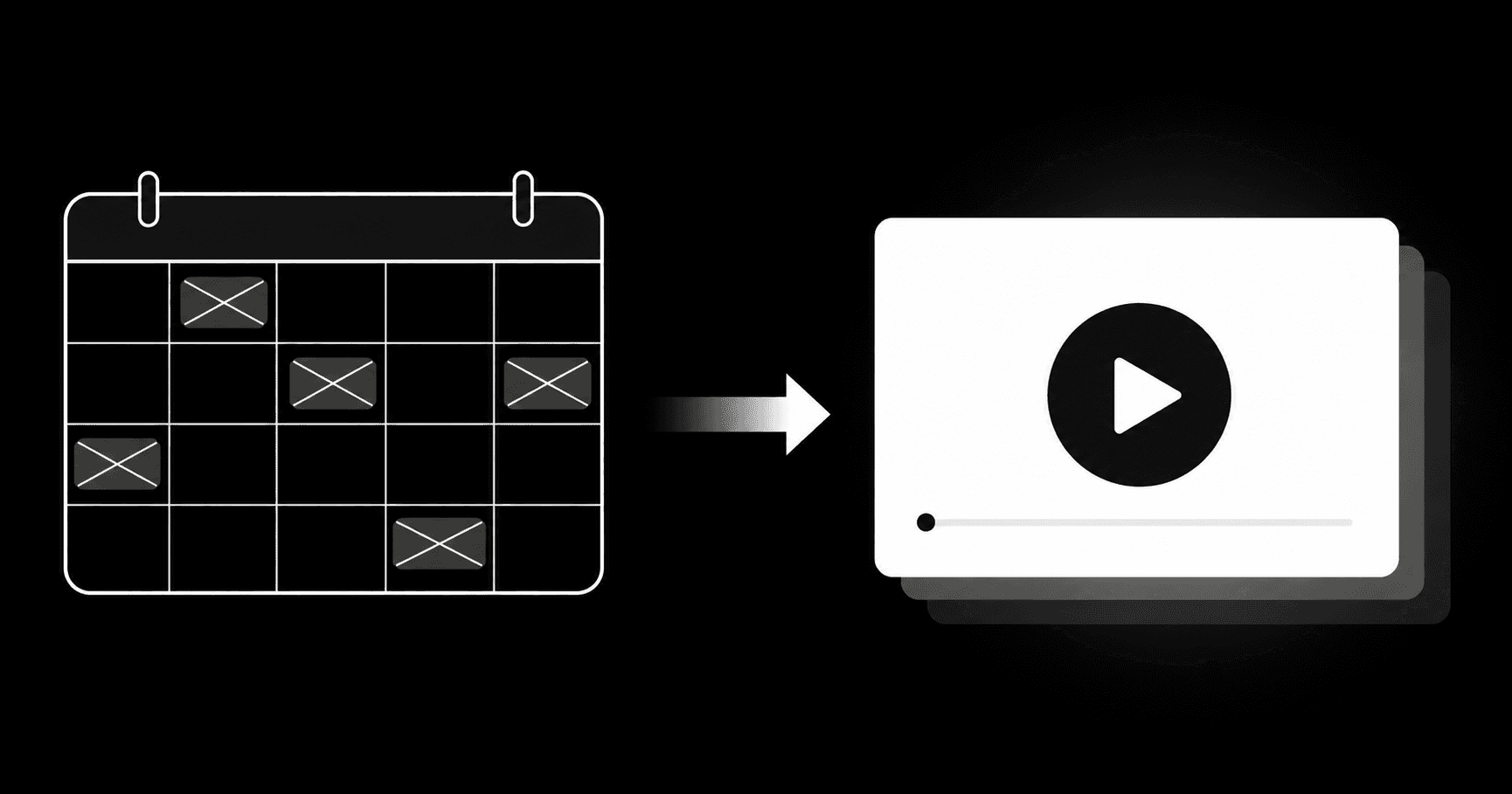
Replacing meetings with async video is one of the fastest ways to win back hours in your day. Instead of pulling five people into a call for a ten-minute update, you record your screen explaining the topic and send the link. Everyone watches when it fits their day, at their own pace, and no one loses the context.
Why too many meetings drain productivity
A meeting doesn't just cost the time it runs. It costs the context-switch before and after, the wait for a shared slot, and the focus that evaporates when your day is sliced into 30-minute blocks. For teams spread across time zones, scheduling anything synchronous becomes a puzzle.
- The combined time of every attendee, not just your slot on the calendar.
- The focus window lost before and after each call.
- The struggle to find a time that works across time zones.
- Decisions that stall until the next meeting happens.
Which meetings you can replace with video
Not every meeting should disappear. Sensitive conversations, live brainstorms, and decisions that need real-time debate still earn the call. But a large slice of the calendar is information moving in one direction, and that's exactly what async video handles well.
- Status updates and project alignments.
- Feature demos and product walkthroughs.
- Onboarding and recurring training.
- Design feedback, code review, or document review.
- Reporting a bug by showing exactly what happened on screen.
How to record an async video that actually replaces the meeting
A good async video isn't a recorded 50-minute meeting. It's short, direct, and easy to watch at 1.5x. A simple script helps:
- Start with the why: say in one sentence what the viewer should do after watching.
- Show your screen instead of describing it. Seeing the flow beats a thousand words.
- Keep it between 2 and 5 minutes. If it runs longer, split it into two videos.
- End with a clear next step: approve, reply, or change something.
- Drop the link in the channel where the team already talks (Slack, email, ticket).
Where the video lives matters too
Trading meetings for video means building a library of recordings your team will reference for months. If every video lives on a vendor's cloud, you pile up one more data silo and stay locked into a subscription just to reach your own content. With Screenvod, each recording goes straight to your Google Drive, OneDrive, or Dropbox — the files are yours and stay there even if you cancel.
The right question isn't "could this meeting be an email?" — it's "could this meeting be a three-minute video?".
Start small: pick one recurring meeting next week and record a video in its place. If the team gets the message without the call, you just reclaimed an hour — and proved it's repeatable.